
Word Cloud
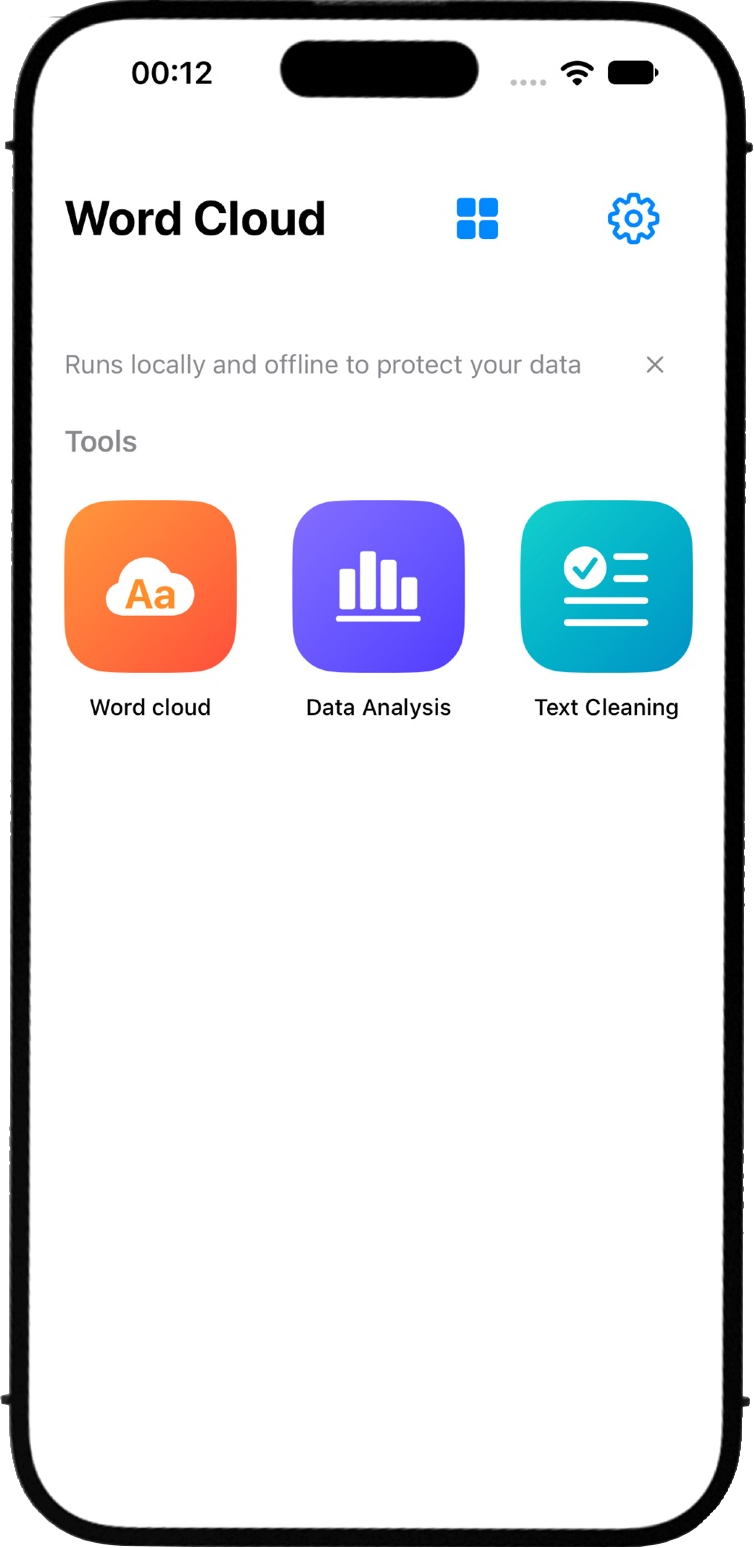
Discover the words that matter. Word Cloud brings text cleaning, analysis, keyword extraction, and visualization into one workflow. Transform raw text into a clear word cloud that highlights prominent words and themes. CLEAN YOUR TEXT Prepare your data for analysis by removing unwanted content and formatting. Apply cleaning options and replacement rules to refine your source text. ANALYZE WORD FREQUENCY Segment text into words, measure their frequency, and identify the most common keywords. Explore the results before turning them into a visualization. REFINE YOUR KEYWORDS Choose tokenization options and manage stop-word libraries to filter out common or irrelevant words. Keep the terms that matter to your analysis. VISUALIZE YOUR RESULTS Generate a word cloud from your keywords and frequencies. Customize shapes, fonts, colors, and word sizes to make your findings easy to understand and share. IMPORT AND EXPORT Start with text or import word-frequency data from CSV. Export word clouds as PNG, SVG, or PDF, and save editable projects for later. MULTILINGUAL, LOCAL PROCESSING Analyze English, Simplified Chinese, Traditional Chinese, Japanese, and Korean. Text cleaning and analysis run locally on your device. From raw text to meaningful patterns—clean, analyze, and visualize with Word Cloud.
Screenshots
What you can do
Find the most frequent words
Use word counts to see which terms appear most often in a draft, a set of notes, or any other text you want to explore.
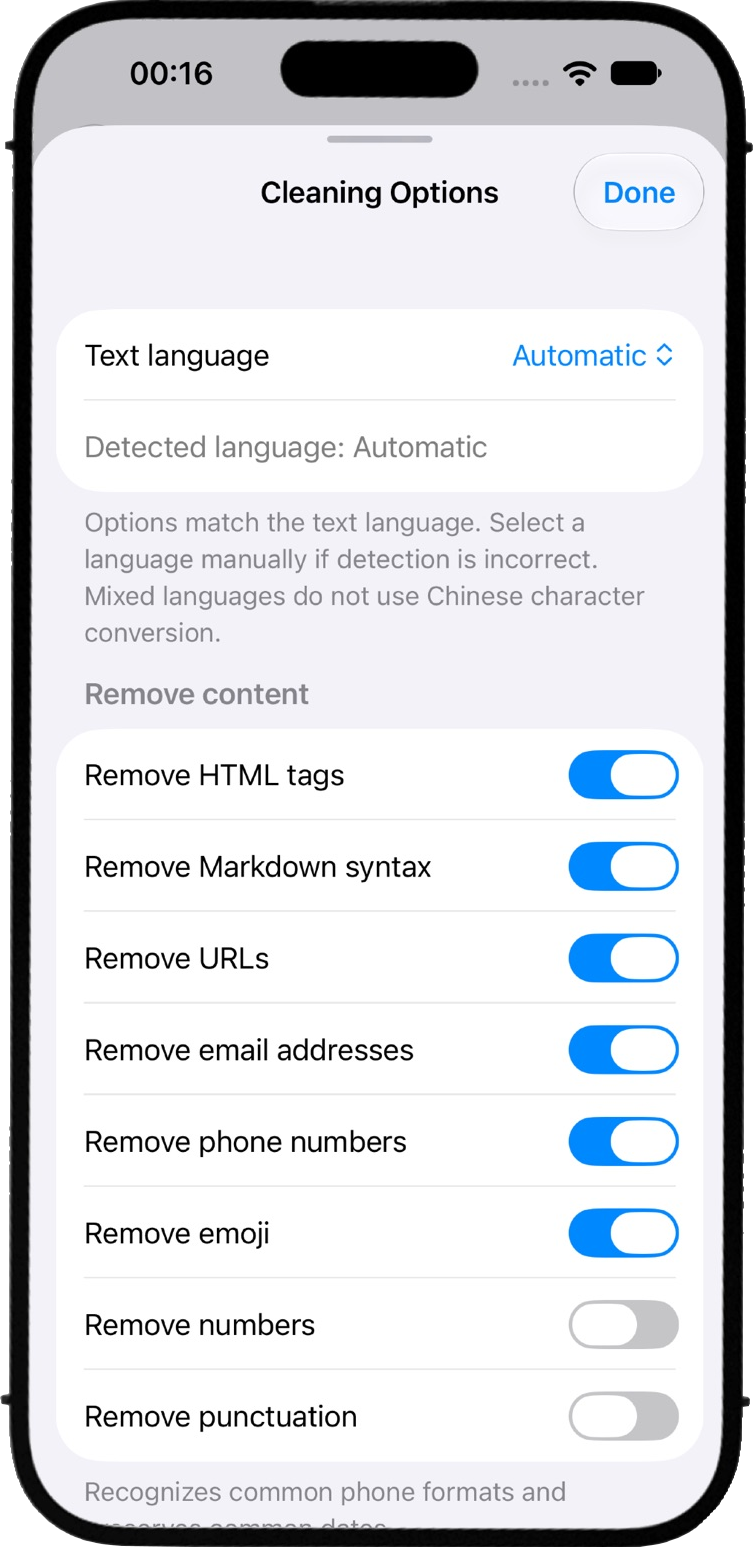
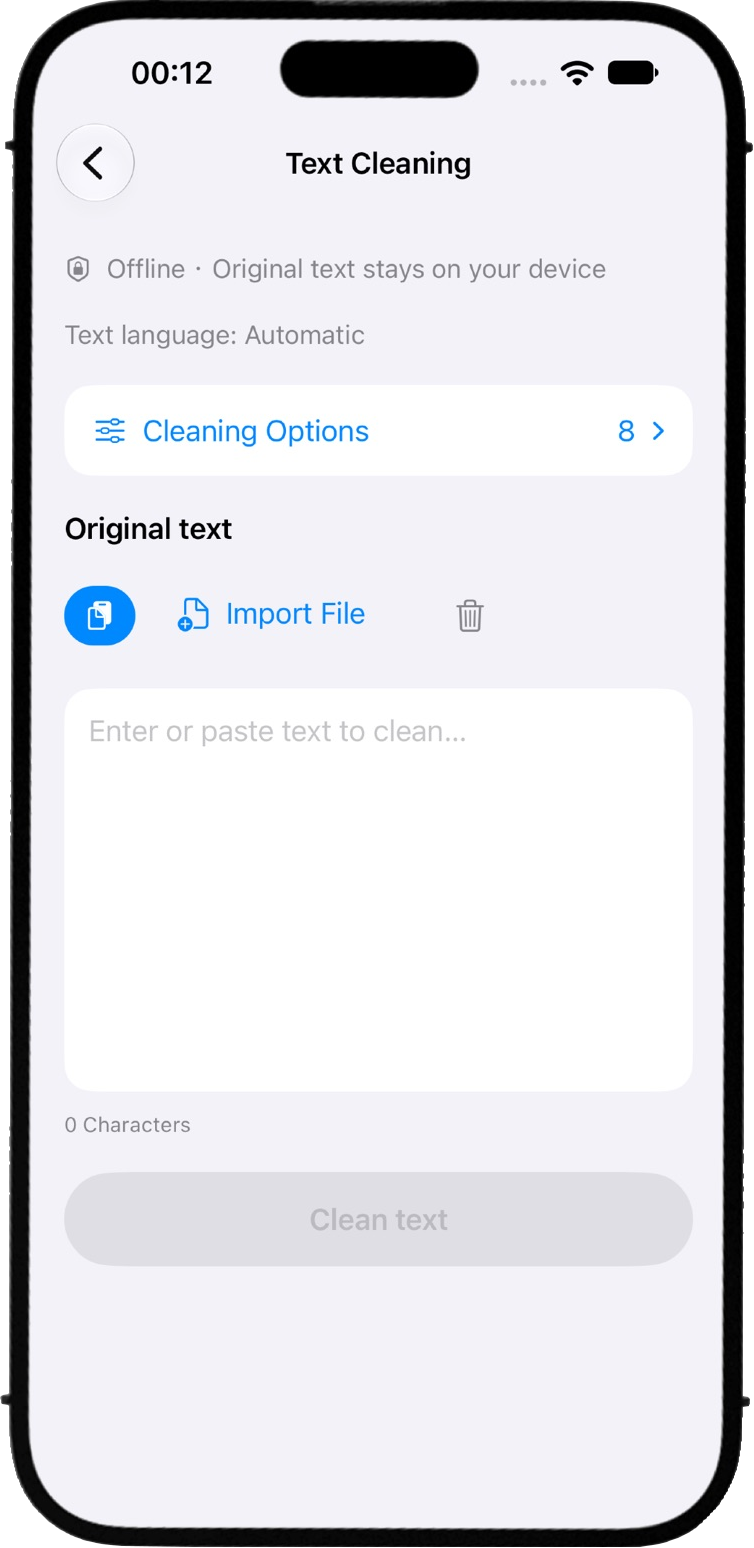
Clean up the text
Remove unwanted content and tidy the formatting before counting so you can focus on the words you care about.
Export the results
Save your word counts as a CSV for use in a spreadsheet. The app processes your text on your device.