
WingCan
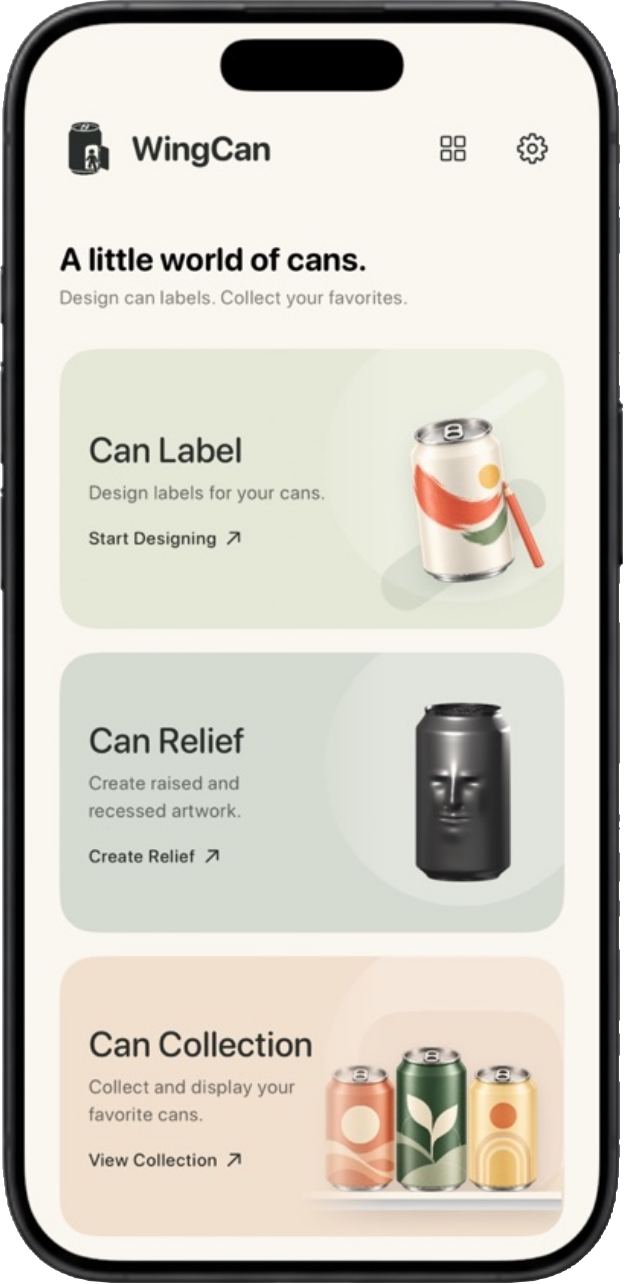
What would your own soda can look like? With WingCan, you can design a label, sculpt a pattern into the can, and put your finished creation on a virtual shelf.
Make your own labels Pick a can shape and start with a blank canvas. Draw with different brush tips, add text and shapes, or import a photo. With a pressure-sensitive Apple Pencil, you can press lightly for fine lines and harder for bolder strokes. Wrap your design around the can and spin it to see how it looks.
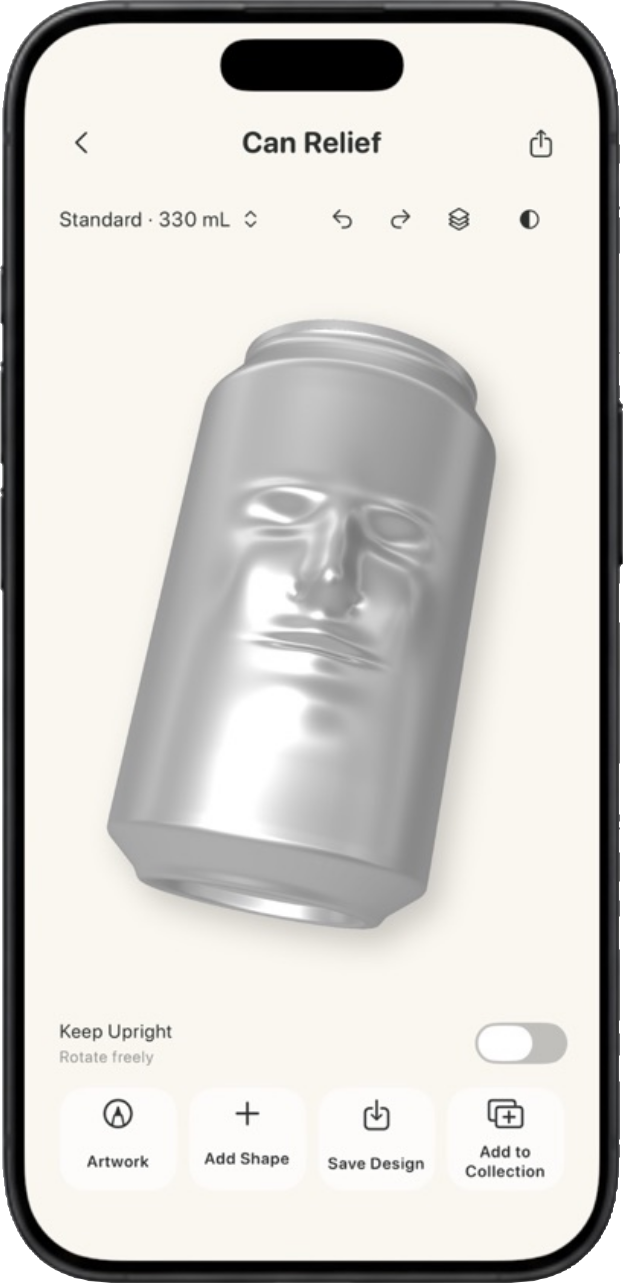
Sculpt in 3D Turn a drawing into a raised design or sculpt directly on the can. Use layers to work on different parts of your design and adjust their depth as you go.
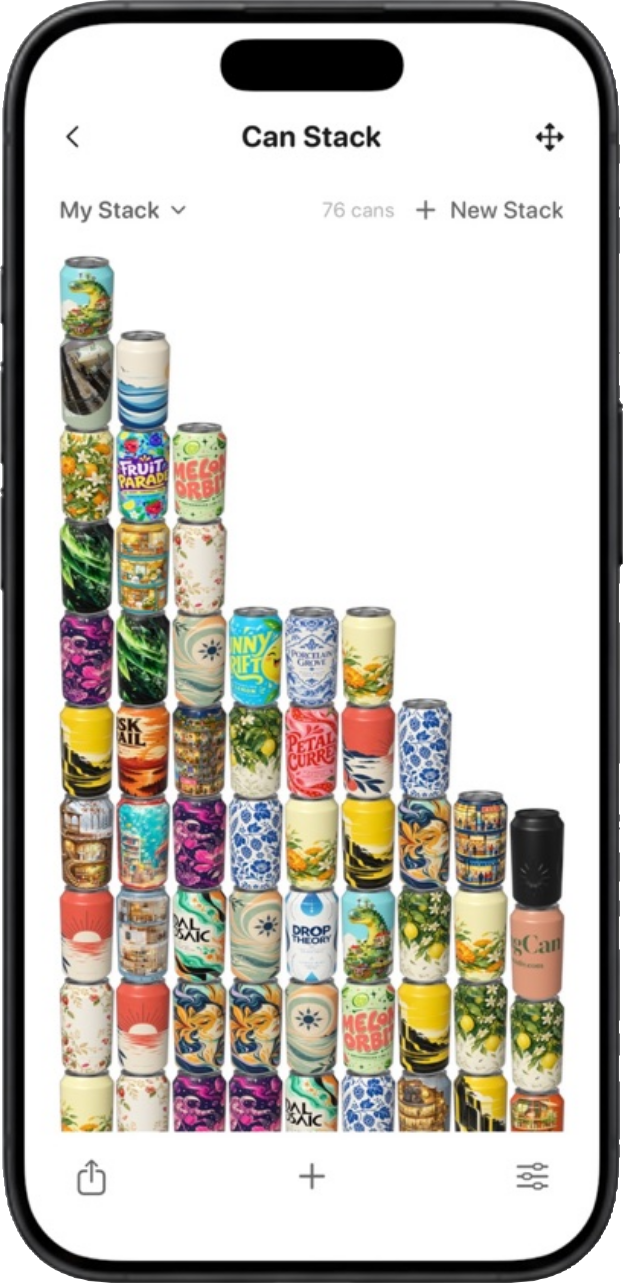
Build your collection Add cans from the built-in label library, import your own label images, or collect the cans you’ve designed. Sort them into categories, drag them into place on your shelf, or group your favorites into stacks.
Save and share Save your designs to edit later, export an image or a short video to show off your work, and back up your collection and stacks so you can restore them later.
Screenshots
What you can do
Design a can label
Start with a can size and make a label for a fictional drink, a personal project, or a design you want to try on a can.
Give your design depth
Use Can Relief to add raised or recessed artwork. Rotate the can to see how the design looks from different angles.
Build a collection
Save your designs so you can come back to them later. Arrange your favorite cans into stacks to see how they look together.