
WingCam
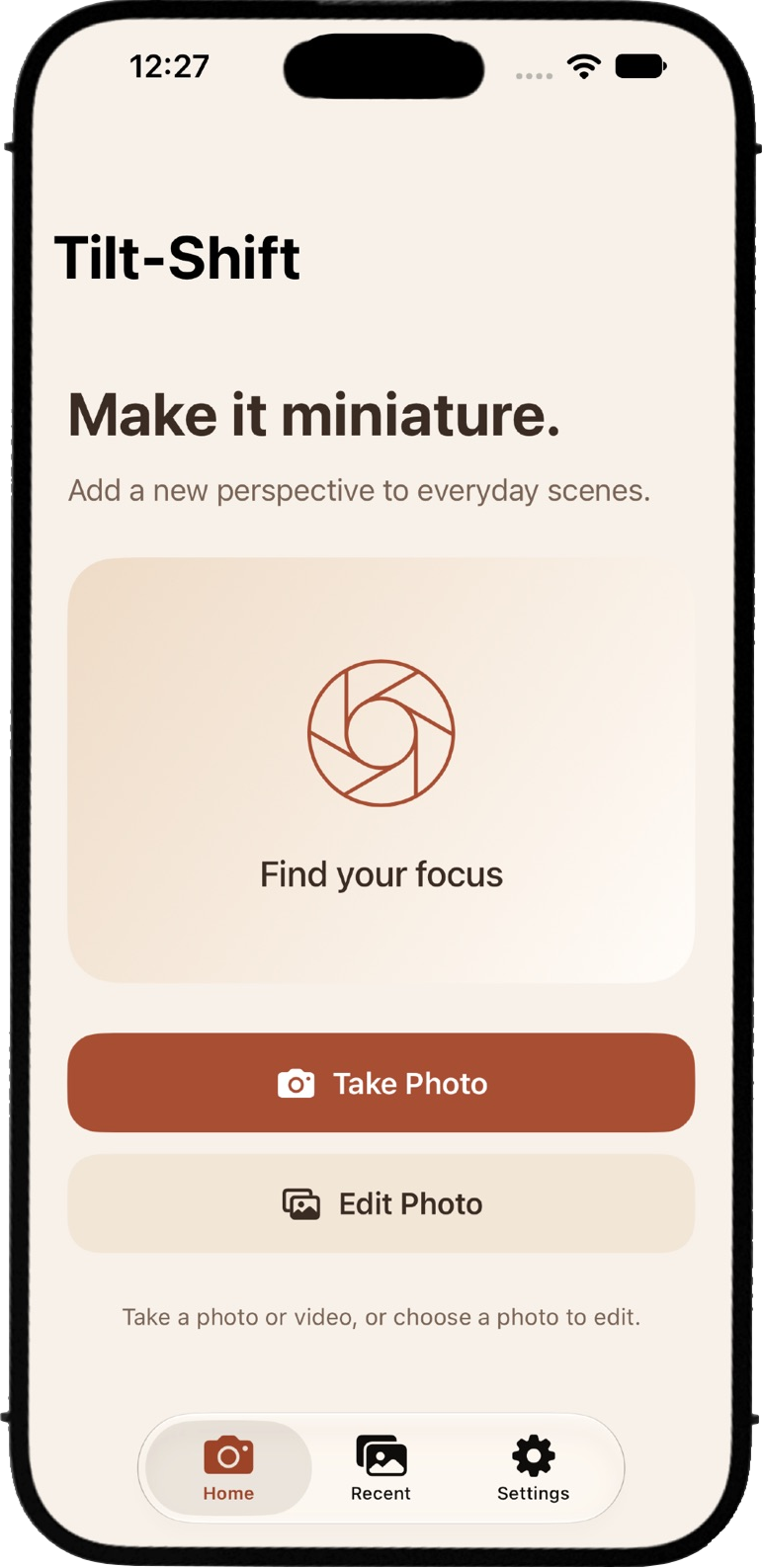
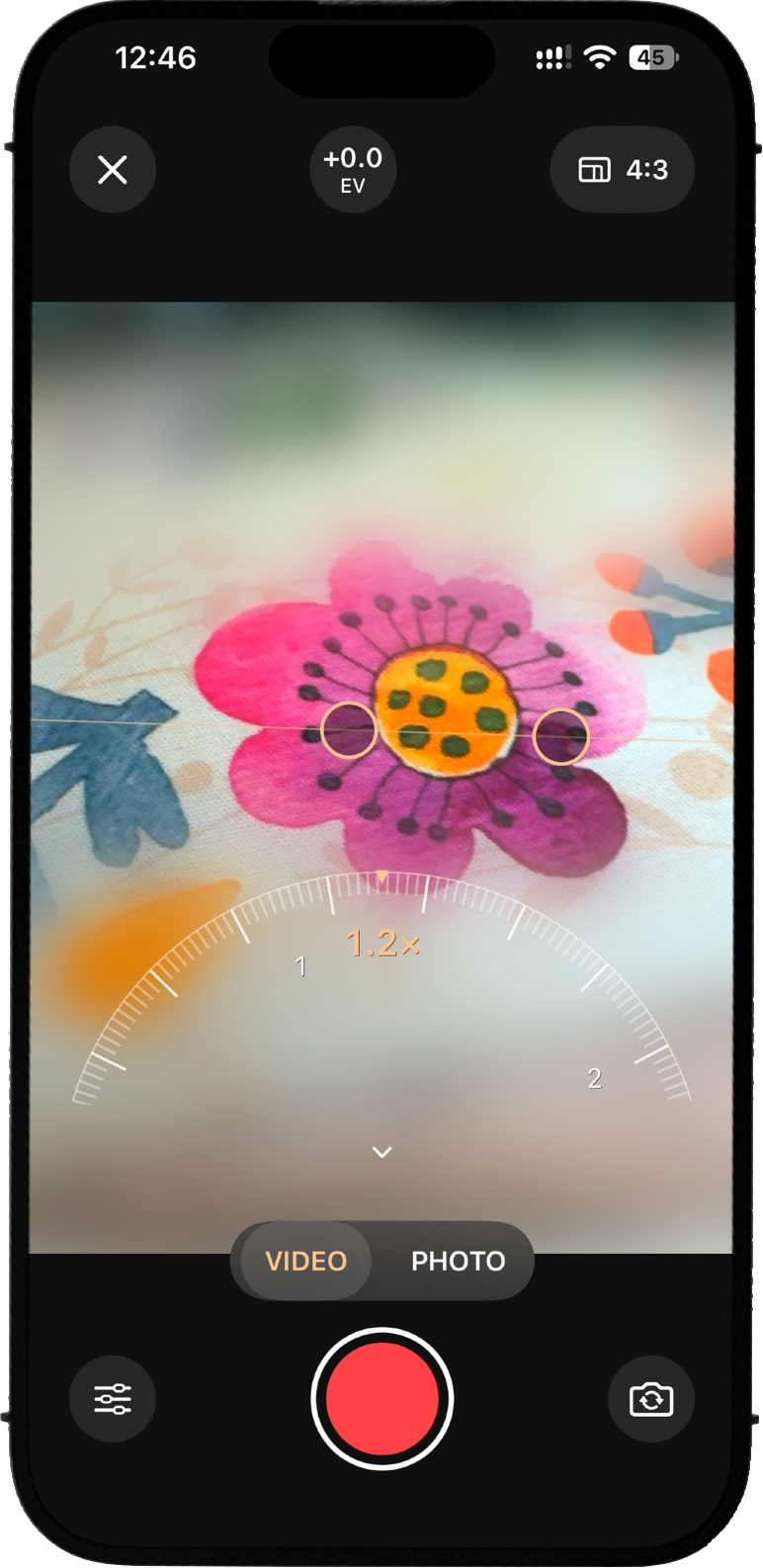
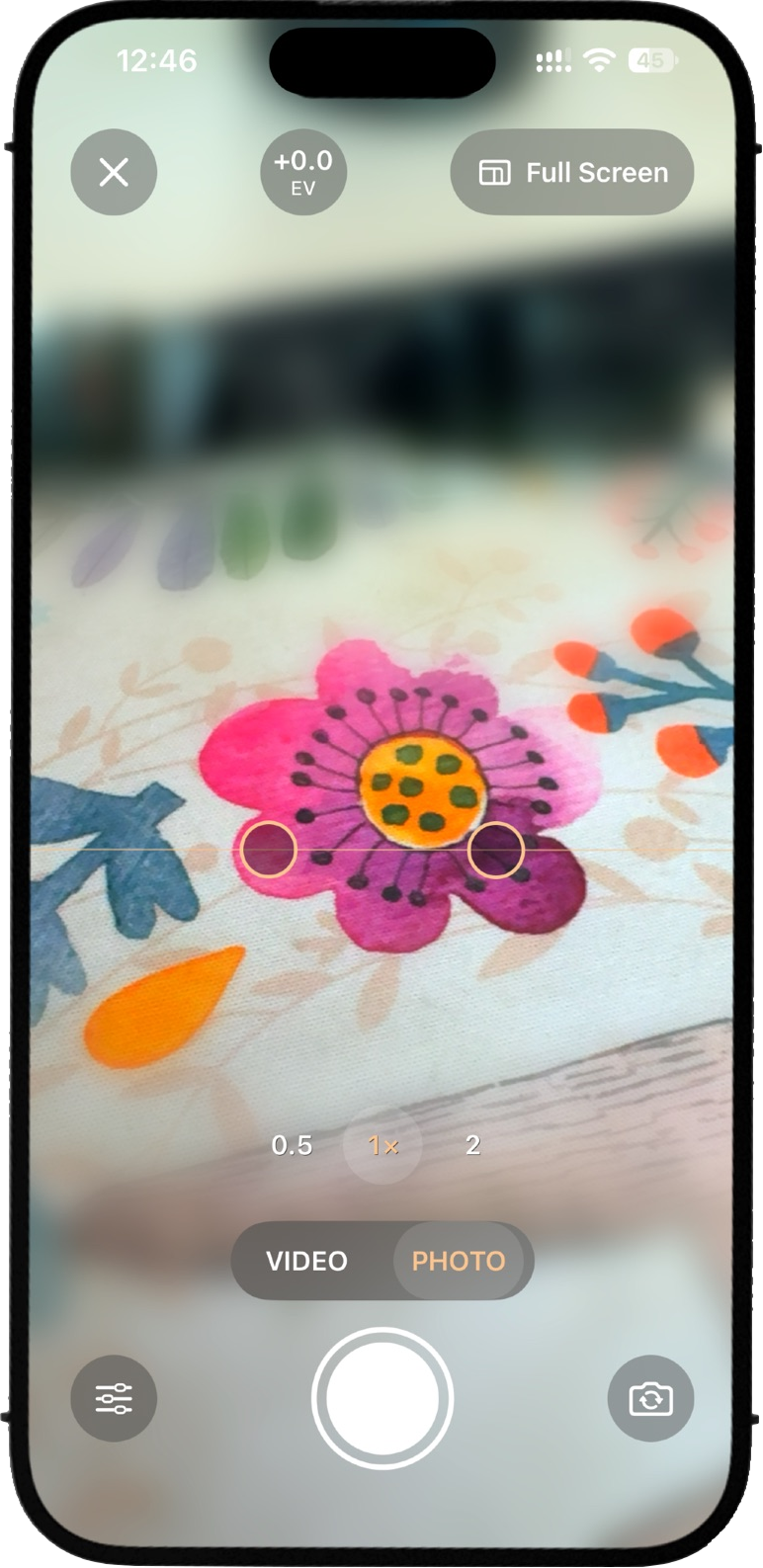
Make the everyday look miniature. Tilt-Shift turns photos and videos into tiny worlds. Keep a band of your scene sharp while softly blurring the surroundings, creating the look of a miniature model. Capture city streets, landscapes, architecture, and everyday moments with live tilt-shift effects—or give photos from your library a fresh perspective. LIVE PHOTO AND VIDEO CAMERA Preview the effect as you shoot. Capture photos or record videos with sound, with an easy switch between modes. ADJUSTABLE FOCUS AND BLUR Move and angle the focus band. Fine-tune blur strength, focus width, saturation, and brightness to create your look. FLEXIBLE FRAMING AND ZOOM Choose Full Screen, 4:3, 16:9, 3:2, or 1:1. Use your device’s supported zoom options, pinch to zoom, or adjust your framing with the zoom dial. FOCUS AND EXPOSURE CONTROLS Tap your subject to set focus and metering. Adjust exposure to brighten or darken your shot, whether you’re taking a photo or recording video. EDIT, SAVE, AND SHARE Apply the miniature effect to photos from your library. Save your creations to Photos and revisit them in Recent. Play and share your recorded videos. See your world on a smaller scale.

Screenshots
What you can do
Make a real scene look like a model
Use tilt-shift to draw attention to part of the scene and give the rest a miniature look. Try it on streets, buildings, or other scenes with a clear subject.
Capture both sides of a moment
On supported devices, use the front and rear cameras together to record what you see and your reaction at the same time.
Choose how the two views appear
Save the views separately, place them side by side, or show one view in a small window over the other.