Kele Puzzle
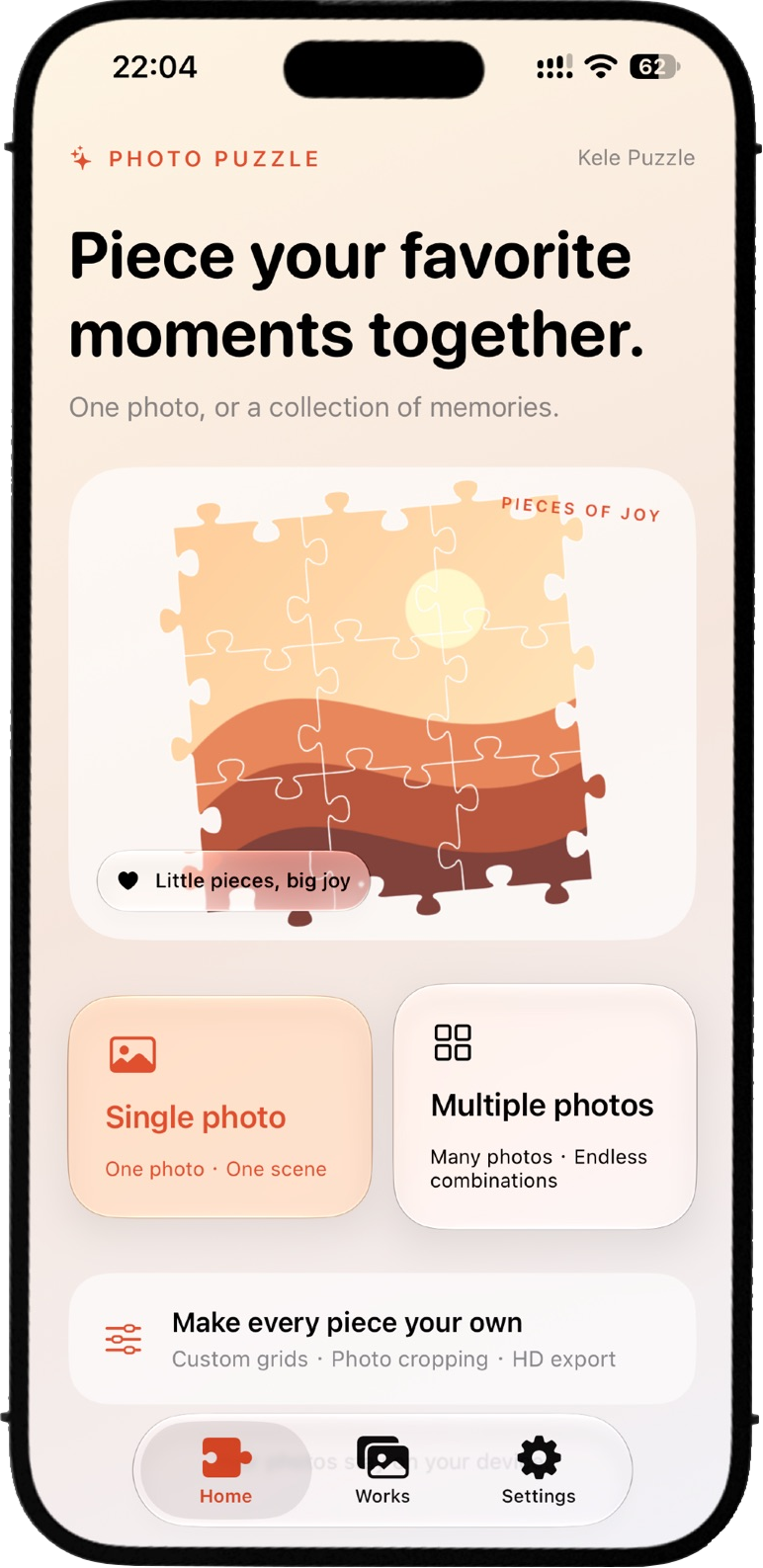
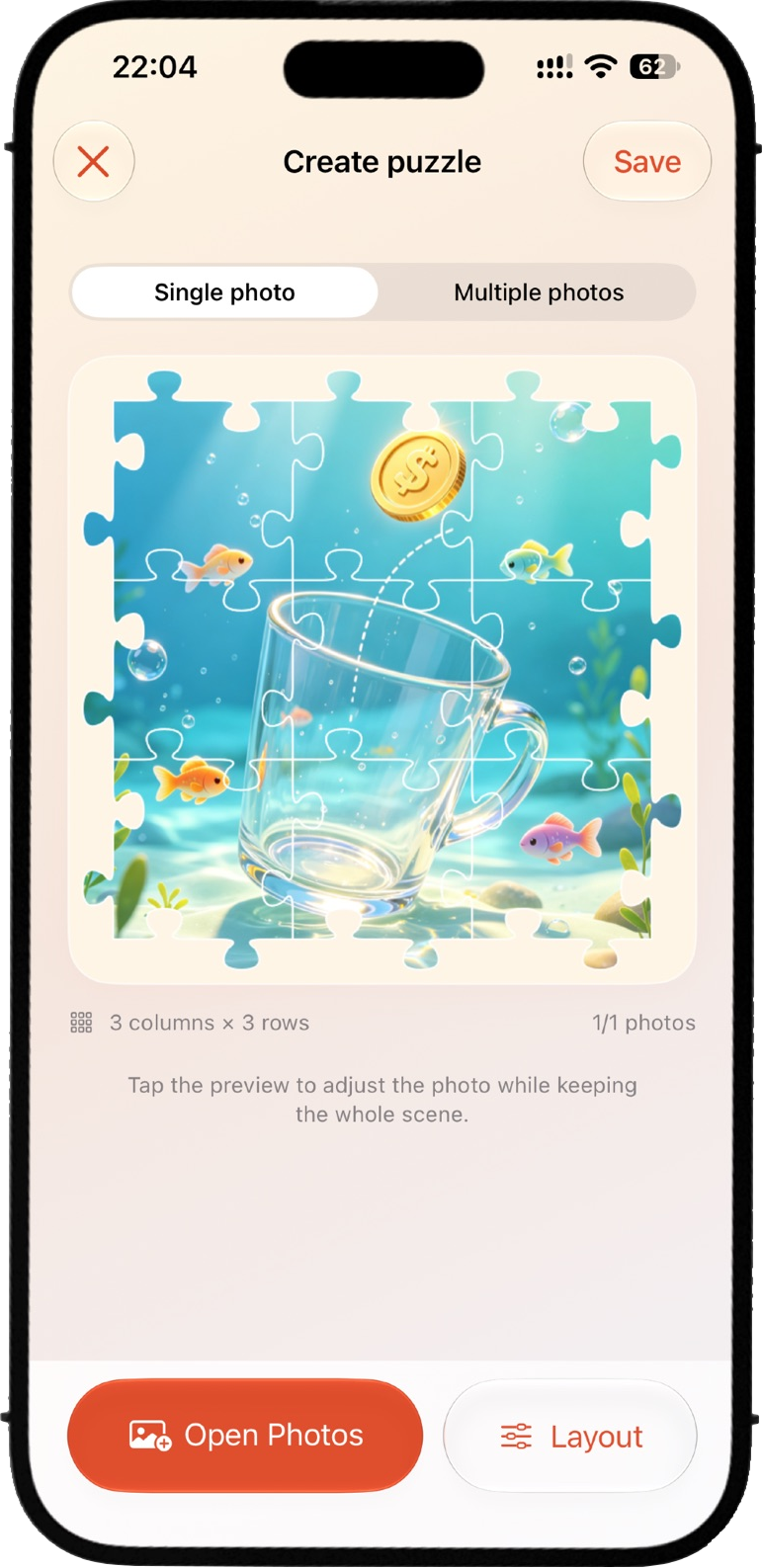
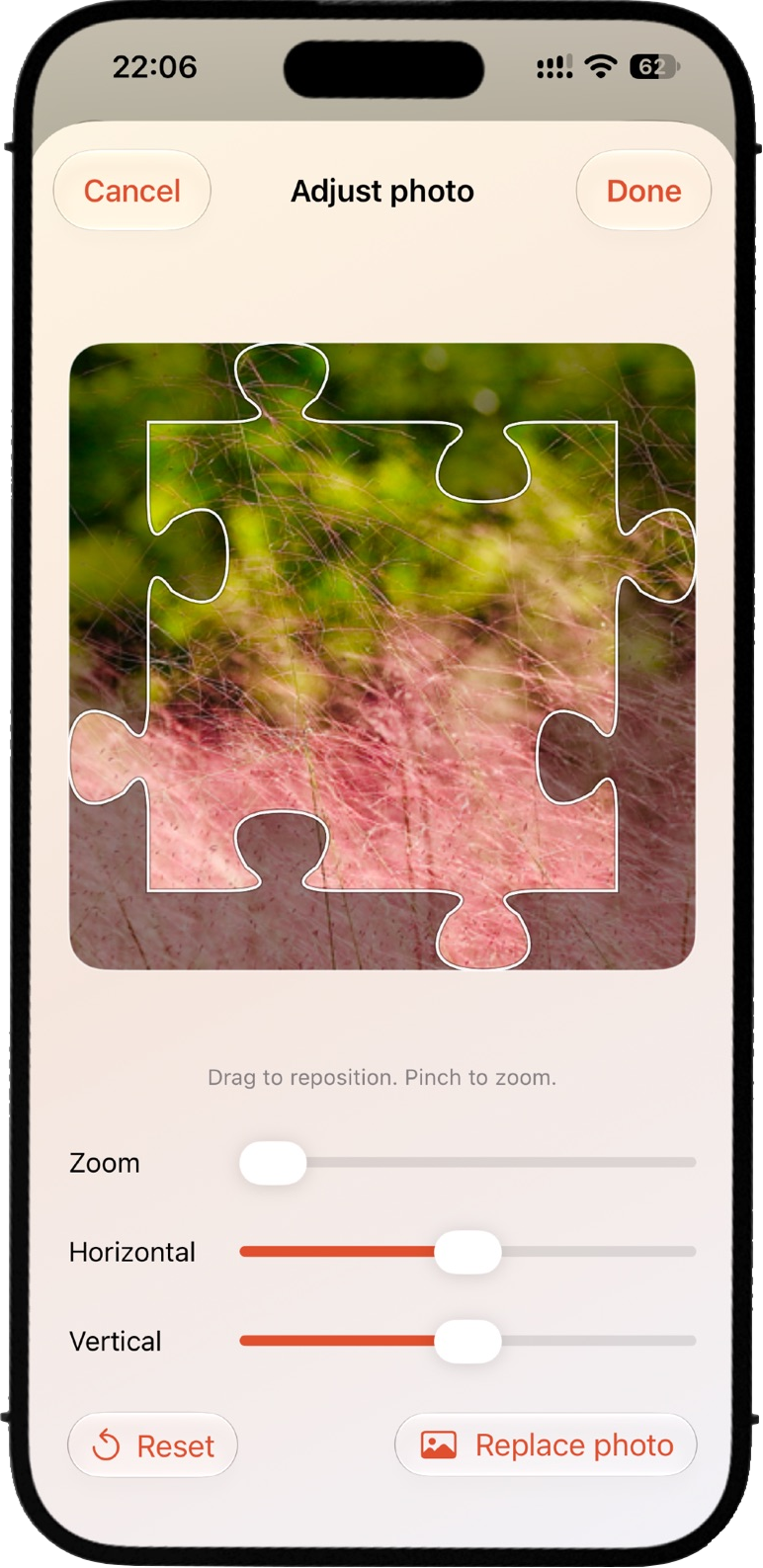
Turn one photo into a complete scene, or bring several memories together—one puzzle piece at a time. Kele Puzzle combines your photos with classic jigsaw shapes, giving travel moments, everyday snapshots, and favorite portraits a fresh look. • Two puzzle modes Spread one photo across the entire puzzle, or combine multiple photos in separate pieces. • Flexible layouts Choose your rows and columns. Adding rows extends the puzzle downward. • Easy photo selection Add several photos at once or fill an empty piece individually. Save your puzzle even before every piece is filled. • Precise cropping Drag and zoom each photo. A puzzle-shaped overlay helps you see exactly how it will fit. • Optional glass finish Enjoy a clean, flat look by default, or turn on the 3D glass effect. • Animated videos Reveal pieces with sequential flips, gentle fades, or a random mix of fades, flips, slides, and rotations. Videos stay under 20 seconds and can be saved to Photos. • High-resolution export Export PNG images at 1200, 2400, or 3600 pixels on the longest edge, with optional transparent backgrounds. • Across your devices Designed for iPhone, iPad, and Mac, with Chinese and English interfaces. Photos are processed on your device. Finished puzzles are stored locally and can be saved to Photos or shared through the system share sheet.

Screenshots
What you can do
Choose how to use your photos
Split one photo across interlocking pieces, or put a different photo in each piece to bring several moments into one collage.
Adjust the look
Try different layouts and adjust the glass effect until the pieces look the way you want.
Save your collage
Export the finished collage as a PNG so you can keep it or share it as an image.